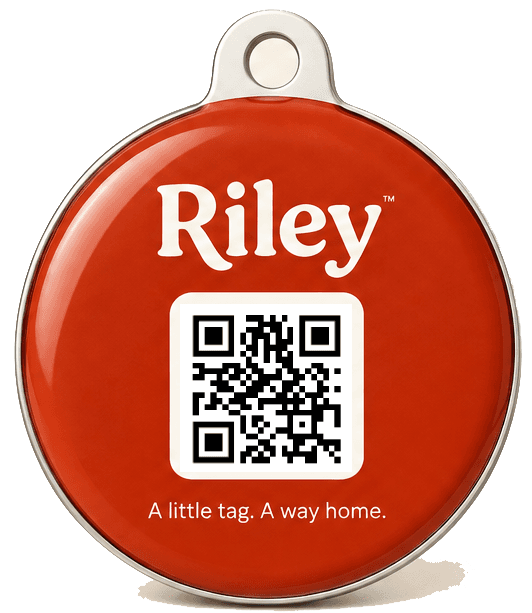
How Riley Tag works
One scan. A private message. A way back.
Riley Tag is a QR code on your pet’s collar that opens their own finder page. Here’s what happens for you, for the person who finds your pet, and when you get the message.
For you
Set up in
two minutes.
- 01
Clip it on
Riley Tag clips onto your pet's collar ring, alongside their engraved ID tag.
- 02
Link it in Riley
Scan the tag with your phone and choose which pet it belongs to. It's live straight away.
- 03
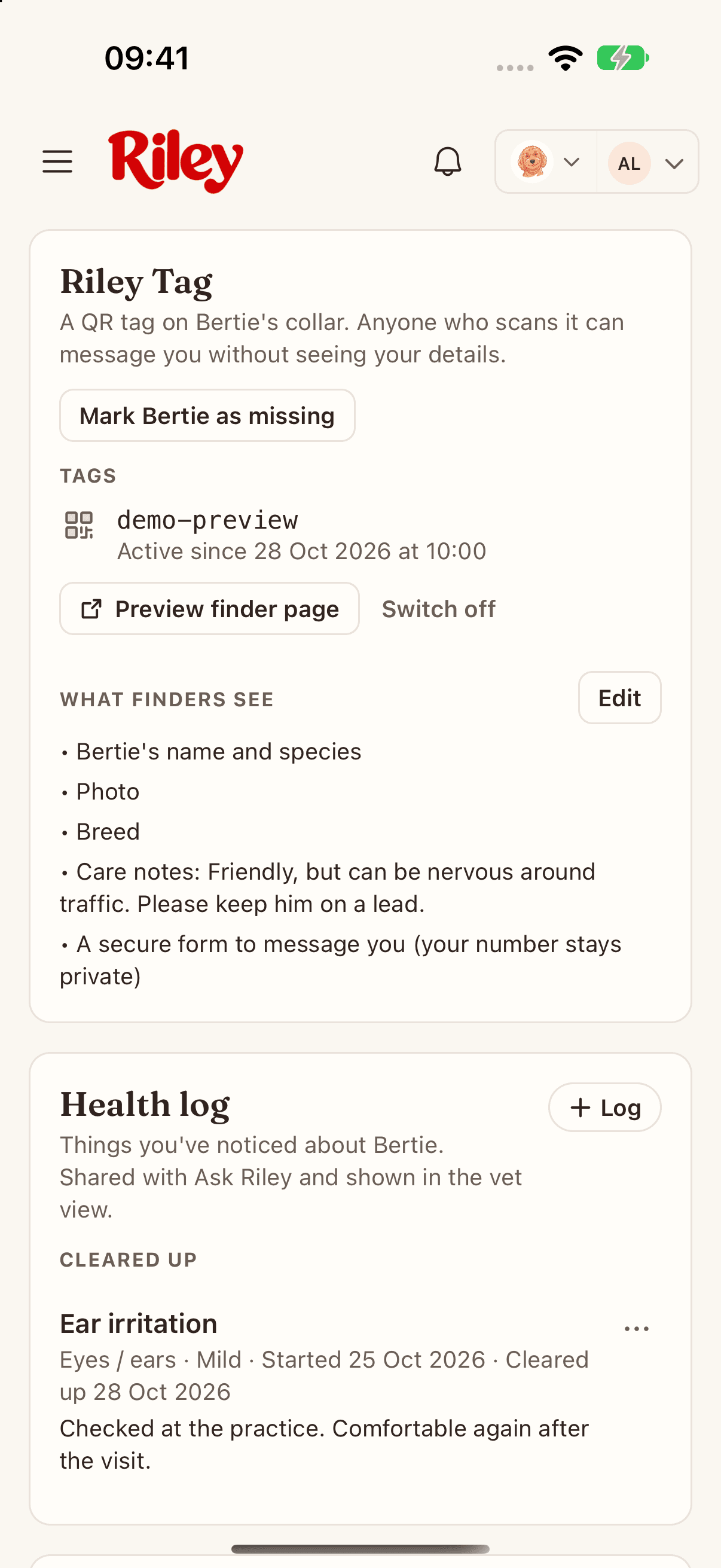
Choose what finders see
Photo, breed and care notes are up to you. Calls are off by default, so your number stays private.
- 04
Get on with your walk
No battery, no charging, nothing to remember. The tag is ready whenever someone needs it.
For the person who finds your pet
No app.
No account. No fuss.
- 01
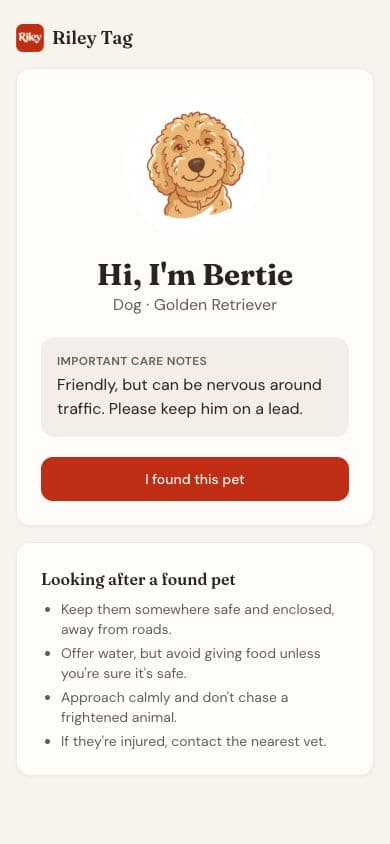
Scan the QR code
Any smartphone camera opens the pet's finder page in the browser. No app or account needed.
- 02
See how to help
The page shows the pet's name, your care notes and, if they're missing, your lost-mode message.
- 03
Send a message
A secure form asks for their message and how you can reach them. They can choose to share their location.
The finder needs a smartphone and a data connection. Found a pet yourself? Here’s what to do.
When someone finds them
You’ll know
straight away.
- 01
Riley alerts you
You get a notification when the tag is scanned and when the finder sends a message.
- 02
See where they are
If the finder shared their location, you'll see where the scan happened.
- 03
Bring them home
Reply in the way that suits you, go and collect your pet, then turn off lost mode.
Try it
See it from
both sides.
This is what happens when someone finds a pet wearing Riley Tag.
Illustrative demo with a fictional pet. Tap a step to explore.
Hi, I’m Bertie
Dog · Goldendoodle
Explore Riley Tag
Questions, answered
Good to know.
Is Riley Tag a GPS tracker?
No. Riley Tag is a QR collar tag with no battery, no charging and no live tracking. It works the moment someone finds your pet and scans it. A location is only shared if the finder chooses to share it.
Does the finder need the Riley app?
No. Any smartphone camera opens your pet's finder page in the browser. The finder needs a data connection to view the page and send you a message.
What can a finder see?
Your pet's name and species, plus the photo, breed and care notes you choose to share. A call button only appears if you switch on direct calls. Your address, medical history and insurance are never shown.
Will my phone number be visible?
Not unless you choose. By default finders message you through a secure form and you decide how to reply. You can turn on direct calls in the app at any time, and turn them off again.
What happens if the tag gets lost?
Switch the old tag off in the app so it stops showing your pet's page, then link a replacement. A switched-off tag doesn't count towards your tag total, so replacing a lost tag doesn't cost extra.
Riley Tag · Pre-order
A little tag.
A way home.
The tag is free, and so is UK delivery. Riley Premium is priced per tag, from £5 a month, with every extra tag costing less.
Nothing to pay today. Riley Premium is free until your tag ships.